What Are Pressure Levels in Drawing Tablets?
Pressure levels count how many steps of pen force a tablet can register, from a light touch to a firm press. More levels can mean smoother changes in line weight and shading, though software and pen feel matter too.
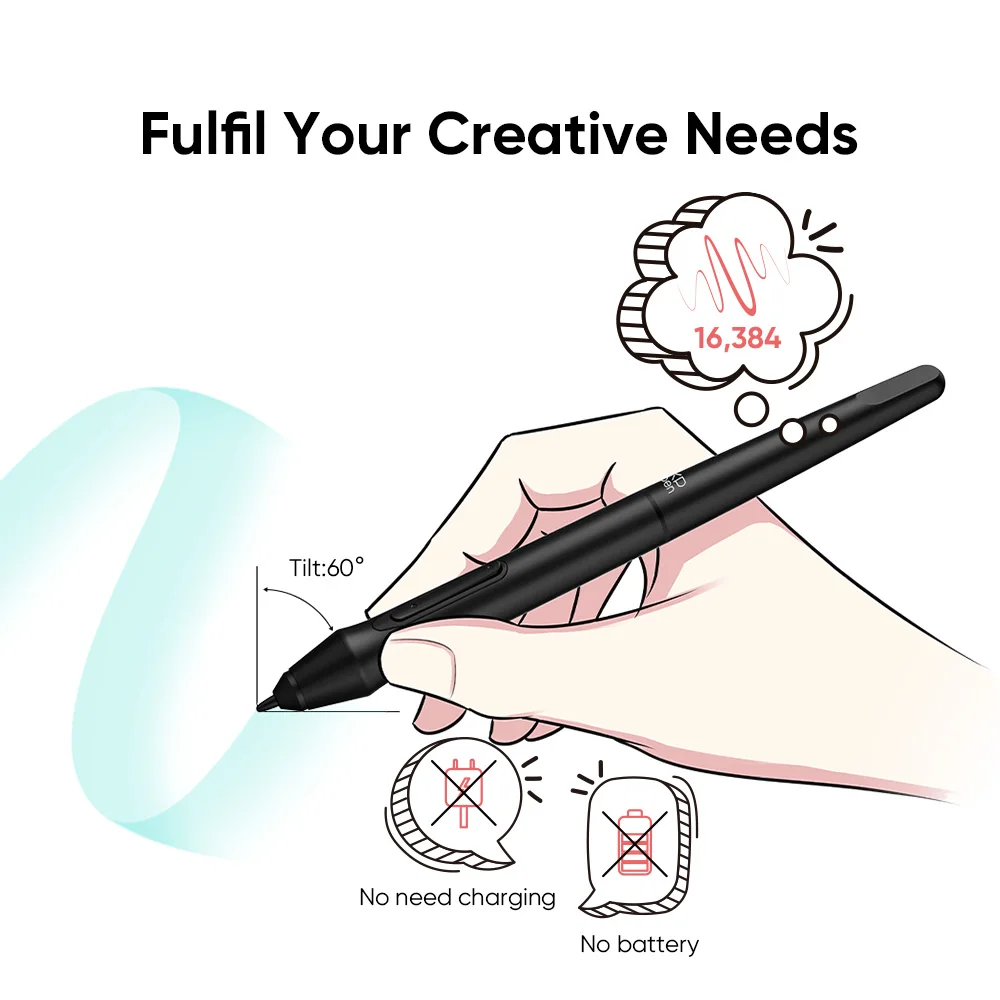
How pressure sensitivity works
When you press the pen tip on the surface, the tablet measures the force and sends it to your drawing app. The app maps that force to something visible, such as brush size, opacity or flow.
The number of levels describes how finely that force is divided. Fewer levels can produce slightly stepped transitions, while higher numbers allow gradual changes from thin to thick strokes.
Do you need 16K levels?
For most hobby and learning work, you do not need the highest number available, but more levels do no harm and can feel smoother when shading or inking. Many artists find the difference most noticeable in soft gradients and tapered line ends.
The Digital Drawing Tablet 16K Pressure Levels Mini offers 16K levels, which gives plenty of headroom for fine control without making you think about the number.
Settings that change the feel
Pressure levels are only part of the picture. Most drawing apps and tablet drivers let you adjust the pressure curve, making the pen feel softer or firmer. Brush settings also decide what pressure controls.
Try a few minutes of test strokes after setup. Draw light lines, heavy lines and a gradient, then adjust until the results match how you naturally draw.
What to look at besides pressure
Check the active area size, compatibility with your operating system and software, and whether the size suits your desk. A tablet with excellent pressure but an awkward size can be frustrating to use.
If you want something compact for sketching, retouching or notes, the Calmstroke mini tablet combines fine pressure control with a small footprint.
FAQ
Are more pressure levels always better?
Not always. More levels can allow smoother transitions, but software settings and pen control also shape the result.
Do pressure levels work in every program?
Only in software that supports pen pressure. Most popular drawing and photo editing apps do, but check yours.
Can I adjust how sensitive the pen feels?
Usually yes. Drivers and drawing apps often let you change the pressure curve to feel lighter or firmer.
Also worth reading: Mini Drawing Tablet for Small Desks · Mini vs Large Drawing Tablet: Which to Pick