Mini vs Large Drawing Tablet: Which Size Fits You?
Choose a mini tablet if you value portability, small desks and precise hand movements. Choose a large one if you draw with your whole arm and have room to spare.
Desk space and portability
A mini tablet slips beside a keyboard and into a laptop bag with little effort. That suits students, travelers and anyone sharing a desk.
A large tablet offers more surface but needs dedicated space and is less convenient to carry. If your setup stays in one place, that may not matter. If you move often, a compact model is usually the more practical choice.
Drawing style and arm movement
Tablet size affects how far your hand travels to cross the screen. On a large tablet you draw with elbow and shoulder, which suits big gestures and loose sketching. On a mini tablet, wrist and fingers do more of the work, which suits detailed lines, signatures and retouching.
You can also change the mapping in your driver so a small tablet covers your whole display or only part of it.
Precision and control
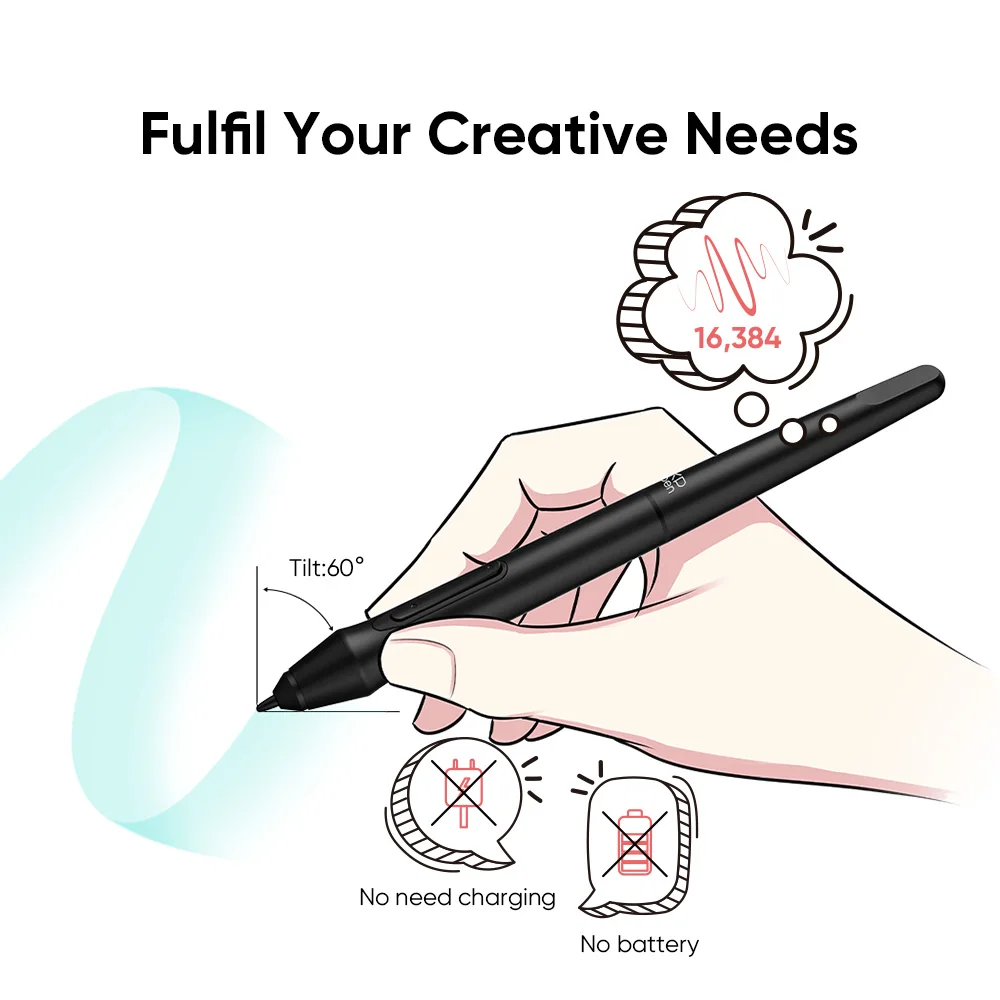
Size alone does not decide accuracy. Pressure sensitivity and pen quality matter as well. The Digital Drawing Tablet 16K Pressure Levels Mini offers 16K levels, so even in a small area you can control line thickness and shading finely.
If you work on a very large monitor, a small tablet may need some adjusting to feel comfortable, so try different mapping settings.
Which should you choose?
Pick mini if you have limited space, travel, sketch in small formats or want a tablet for photo editing and notes. Pick large if you create big illustrations, work on a wide monitor and prefer sweeping strokes.
For most newcomers who want a low-commitment way to try digital art, the compact Calmstroke mini tablet is an easy place to begin.
FAQ
Is a smaller drawing tablet less accurate?
Not necessarily. Accuracy depends on the pen and sensor, and a small tablet can be very precise for detailed work.
Can I map a small tablet to a big monitor?
Yes. Most drivers let you set which part of the screen the tablet covers, so you can adjust it to your habits.
Which size is better for travel?
A mini tablet, since it is lighter and takes less space in a bag.
Also worth reading: Mini Drawing Tablet for Small Desks · Pressure Levels in Drawing Tablets Explained