Mini Drawing Tablet for Digital Art and Travel
A mini drawing tablet gives you pen input in a small footprint, ideal for compact desks, laptop bags and casual sketching. The Digital Drawing Tablet 16K Pressure Levels Mini from Calmstroke is built for exactly that kind of setup.
Who a mini tablet suits
A mini tablet makes sense if your desk is crowded, you move between rooms, or you travel with a laptop. The small surface means your hand moves less, which many people find comfortable for sketching, signing documents and quick edits.
If you mostly work on a single large monitor and draw big sweeping strokes, a larger active area may feel less cramped. Think about how much arm movement your usual style needs before choosing a size.
What 16K pressure levels mean
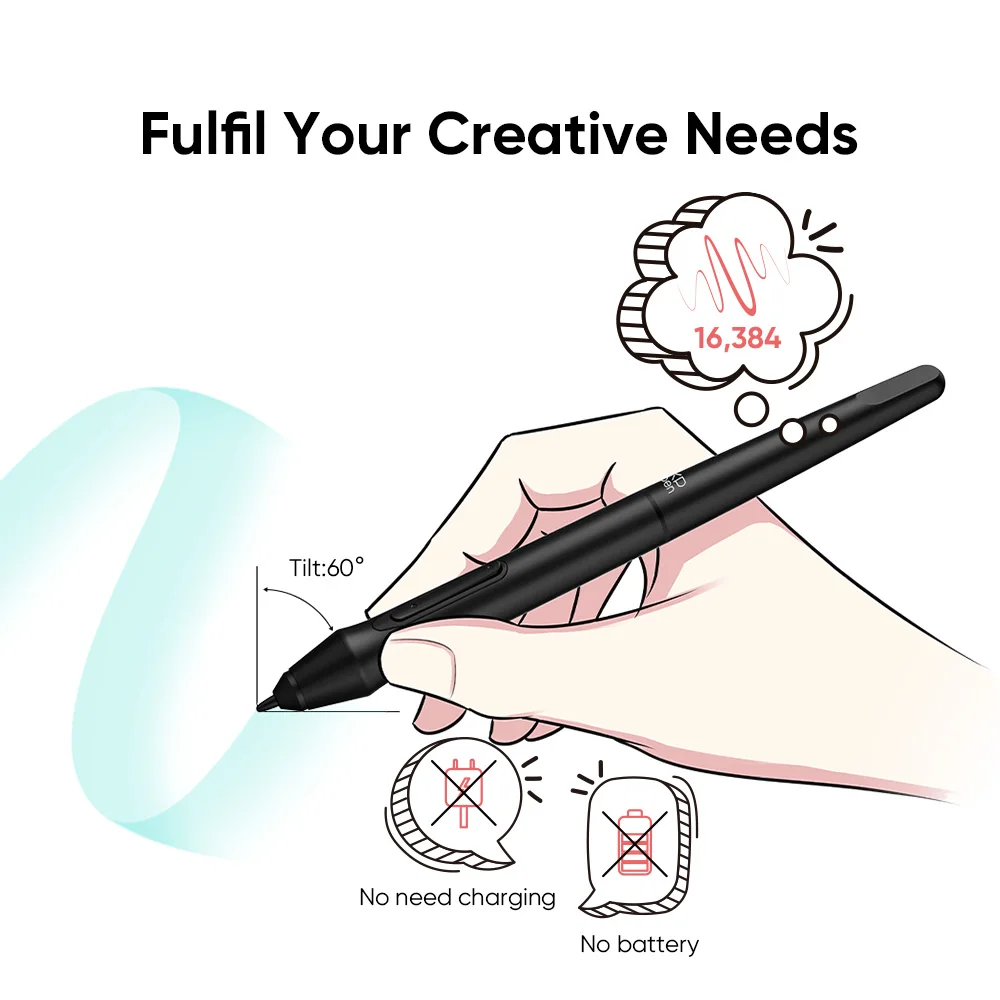
Pressure levels describe how many steps of pen force the tablet can tell apart. A higher number can allow smoother transitions in line thickness and shading, especially in apps that support pressure sensitivity.
The Digital Drawing Tablet 16K Pressure Levels Mini offers 16K levels, giving you fine control for inking, soft shading and sketch work. Results still depend on your software settings and your own pen habits, so adjust the pressure curve in your drawing app until it feels natural.
Everyday uses beyond drawing
A compact tablet is useful for more than illustration. You can use it for photo retouching, where the pen helps with masking and brushing small areas, and for handwritten note-taking on your computer.
It can also replace the mouse for people who want a different hand position during long editing sessions. Because it is small, it stays within reach next to your keyboard without taking over the whole desk.
Checklist before you buy
Check that your computer and software are compatible with the tablet and that you have the right ports or adapters. Measure the free space on your desk and think about whether you will carry the tablet often.
Then consider your drawing style: small, precise strokes suit a mini size well. If that sounds like you, the Calmstroke mini tablet is a practical starting point for digital art.
FAQ
Is a mini drawing tablet good for beginners?
Yes, it can be. A small surface is easy to place and lets you learn pen control without a large investment of desk space.
Can I use a mini drawing tablet for photo editing?
Yes. The pen is helpful for retouching, masking and detailed brushwork in editing software that supports pen input.
Does a mini tablet fit in a laptop bag?
Its compact size is designed for travel and small desks, so it generally fits easily alongside a laptop.
Also worth reading: Pressure Levels in Drawing Tablets Explained · Mini vs Large Drawing Tablet: Which to Pick