How to Use a MagSafe Power Bank: A Simple Step-by-Step Guide
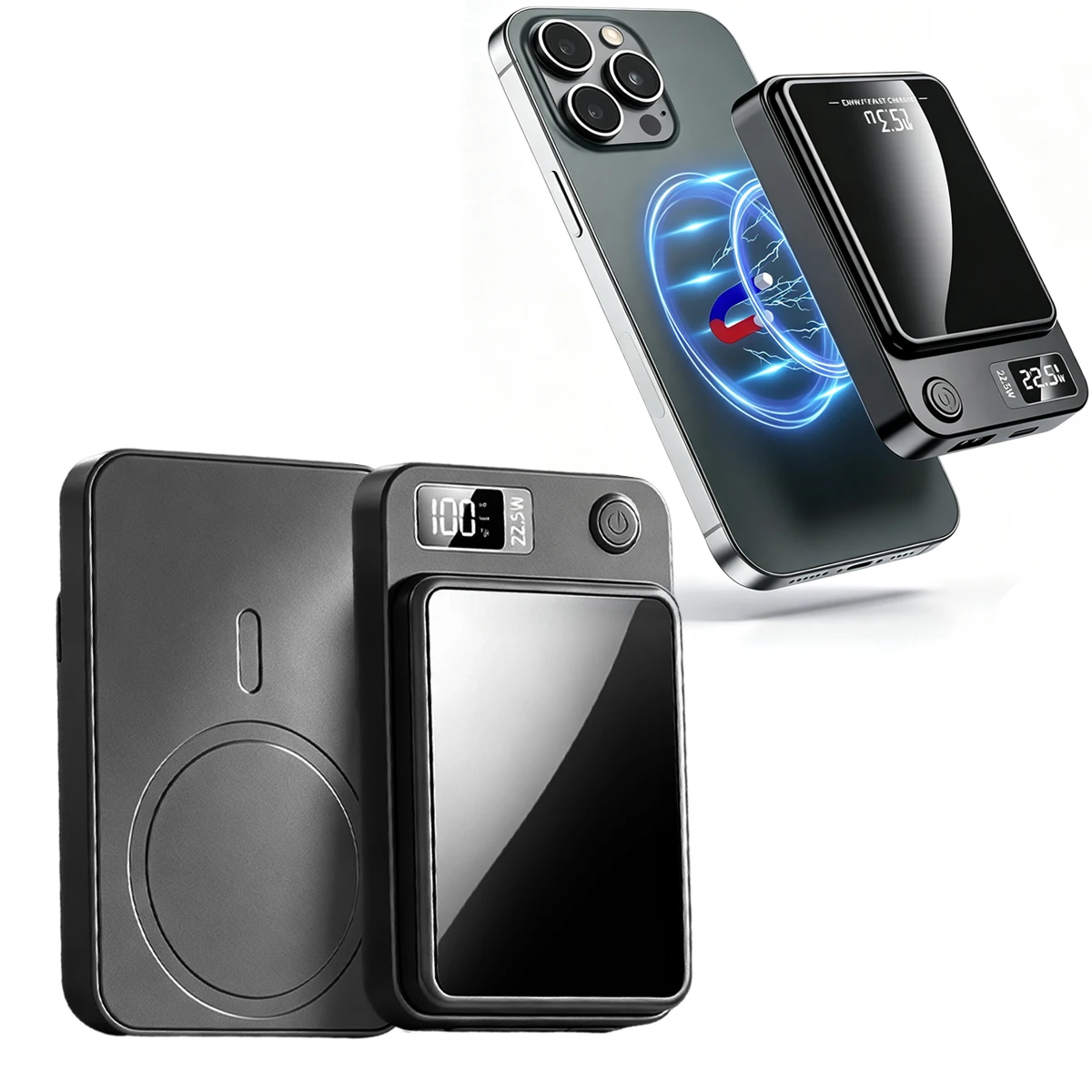
Using a MagSafe power bank takes a few seconds: place it on the back of your compatible iPhone, let the magnets click it into position, and confirm that charging begins. A few habits help you get reliable results every time.
Step 1: Make sure your setup is compatible
Before anything else, confirm that your iPhone supports MagSafe. The Snapcharge MagSafe Power Bank is designed for MagSafe-compatible iPhones, so it will not attach magnetically to phones without that support.
Then look at your case. Thin cases designed for magnetic accessories generally let the power bank sit properly. Bulky, metal, or non-magnetic cases may keep the pack from aligning or charging well. If charging is unreliable, remove the case once to see whether it is the cause.
Step 2: Attach and check charging
Hold the power bank near the center of the back of your phone. The magnets should pull it into place. Try not to slide it around on the surface, as a centered position helps the charging coils line up.
After attaching, look at your screen for a charging indicator. If nothing shows, lift the power bank off and set it down again. Make sure nothing sits between the two, such as a card, a metal plate, or a ring holder, since these can block the connection.
Step 3: Keep it charged and carry it well
A power bank is only useful if it has charge itself. Top it up at home, following the instructions that come with the product, so it is ready when you leave.
The pack is slim enough for a pocket or bag. Keep it away from loose items that could scratch it, and wipe the magnetic surface clean now and then. If you also carry cards with magnetic strips, keep them separate as a precaution.
Common mistakes to avoid
The most frequent issue is poor alignment. If charging stops or never starts, reposition the power bank rather than pressing harder. Another is using it with an incompatible case, which can cause weak attachment.
Also avoid carrying the phone with the pack attached in a very tight pocket where it can be knocked off. If something seems wrong, such as unusual heat, remove the power bank and stop using it until you have checked the product guidance.
FAQ
How do I know the MagSafe power bank is charging?
Your iPhone normally shows a charging indicator on screen once the power bank is attached and aligned. If you see nothing, reposition it.
Do I need a cable to use it?
Not to charge your phone, since it connects magnetically and charges wirelessly. Follow the product instructions for how to recharge the power bank itself.
Why does my power bank keep slipping off?
A thick or non-magnetic case is the most common reason. Try a thinner case designed for magnetic accessories.
Also worth reading: Magnetic Power Bank for iPhone · Magnetic vs Wired Power Bank