
How to Connect a Bluetooth Speaker to Your Phone or Laptop
Connecting a Bluetooth speaker takes a few minutes: turn it on, put it in pairing mode, then select it in your device's Bluetooth settings. The steps are almost the same for phones, tablets and laptops.
Step-by-step pairing
First, charge the speaker and switch it on. Most speakers enter pairing mode automatically the first time, and many show this with a light or a sound. If yours does not, check the manual for the pairing button.
On your phone, tablet or laptop, open the Bluetooth settings and make sure Bluetooth is turned on. Wait for the list of nearby devices to appear, then tap the name of your speaker. Once the connection is confirmed, play any audio to test it. Next time, the speaker will often reconnect on its own when both devices are switched on.
If the speaker does not appear
If your speaker is missing from the list, try the basics first. Move the speaker and your device close together, ideally within a meter or so, and make sure no other device has already grabbed the connection.
Turn Bluetooth off and on again on your phone or laptop, then restart the speaker and put it into pairing mode again. If it still fails, remove the speaker from your device's saved list and pair it as new. Keeping your device's software up to date can also help with stubborn connection problems.
Using it across several devices
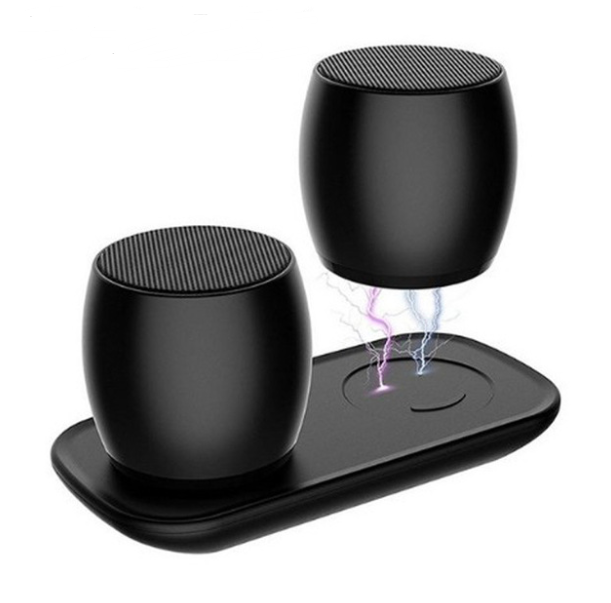
A Bluetooth speaker like the Rawvolt Bluetooth Speaker can be paired with a smartphone, tablet or laptop. Many speakers remember more than one device but play from only one at a time, so you may need to disconnect the first device before another connects.
For a smooth routine, decide which device usually plays music and keep it paired. When a friend wants to play something, disconnect Bluetooth on your device, then pair theirs. Check the product details for how many devices can be stored in memory.
FAQ
Why won't my Bluetooth speaker connect?
Common causes are the speaker not being in pairing mode, a low battery, or another device already connected. Restarting both devices and pairing again usually solves it.
Do I have to pair the speaker every time?
Usually not. Once paired, most devices reconnect automatically when Bluetooth is on and the speaker is switched on.
Can I connect a Bluetooth speaker to a laptop?
Yes. Open the laptop's Bluetooth settings, add a new device and select the speaker from the list.
Also worth reading: Compact Bluetooth Speaker for Home & Travel · Bluetooth Speaker vs Wired Speaker: Which to Pick